 15 June 2026
 Share
Share
1
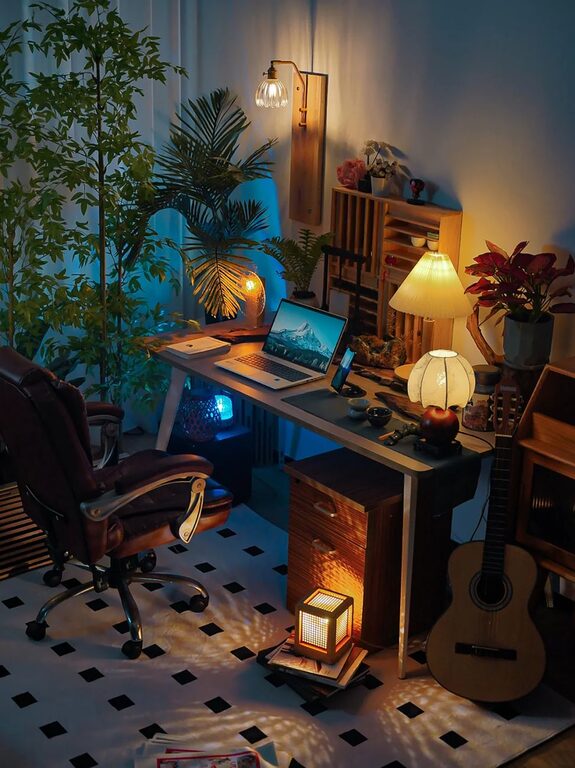
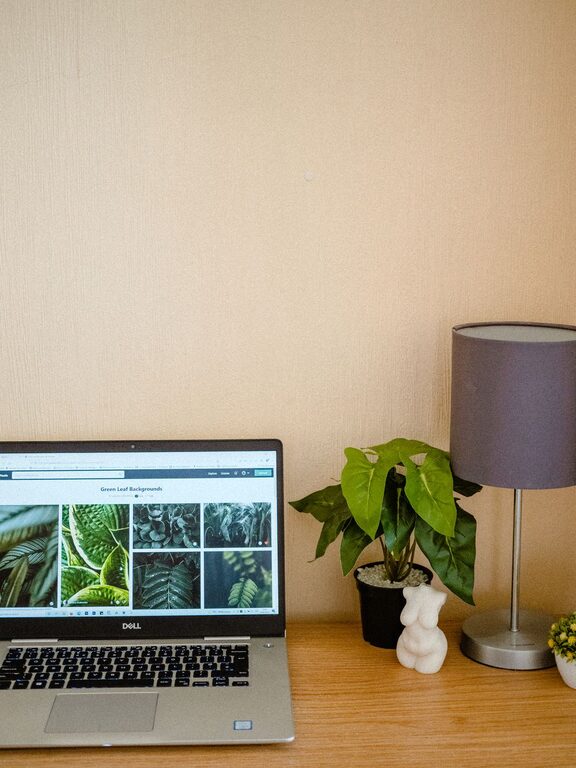
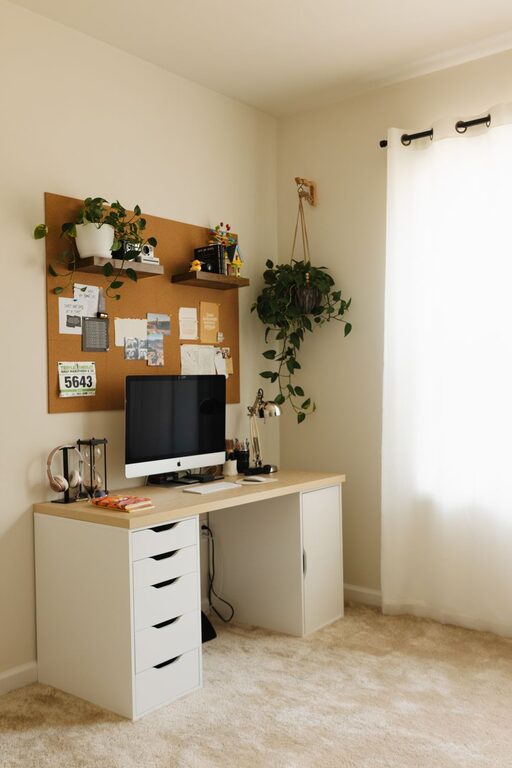
Creating a home office that is both cozy and functional can make a big difference in your productivity and overall comfort while working from home. Whether you have a dedicated room or a small corner, thoughtful planning and design can transform your space into a place you look forward to spending time in. Here are some helpful tips to create a home office that balances comfort with efficiency.
Start by selecting a quiet area that allows you to focus with minimal distractions. If possible, choose a room with a door you can close to separate work from home life.
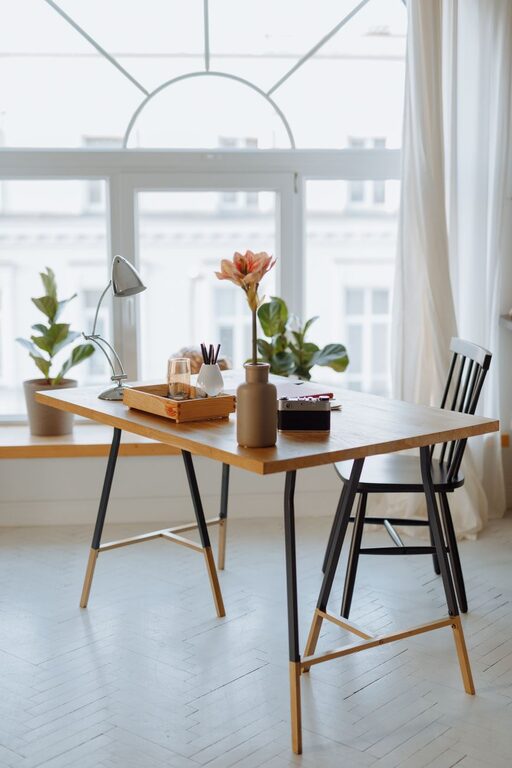
Natural light can improve mood and reduce eye strain. Place your desk near a window if you can, but avoid glare on your computer screen. If natural light is limited, invest in good quality lighting.
A good chair supports your back and encourages good posture. Comfort here is key, as you may spend several hours seated each day.
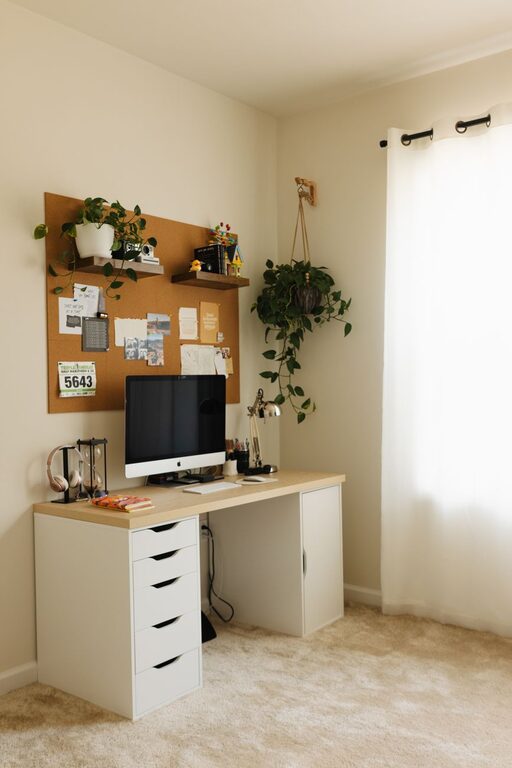
Your desk should accommodate your computer, paperwork, and any additional equipment you use regularly. Consider a desk with storage options or the ability to customize your setup.
Keeping your office tidy helps maintain focus. Use shelves, filing cabinets, or drawer organizers to store supplies and documents neatly.
Soft, neutral tones or pastels can create a soothing environment. Choose colors that make you feel relaxed but alert.
Add some artwork, photographs, or plants to make the space inviting. Greenery can improve air quality and add life to the room.
While personalization is important, avoid clutter. Keep only items that serve a purpose or inspire you.
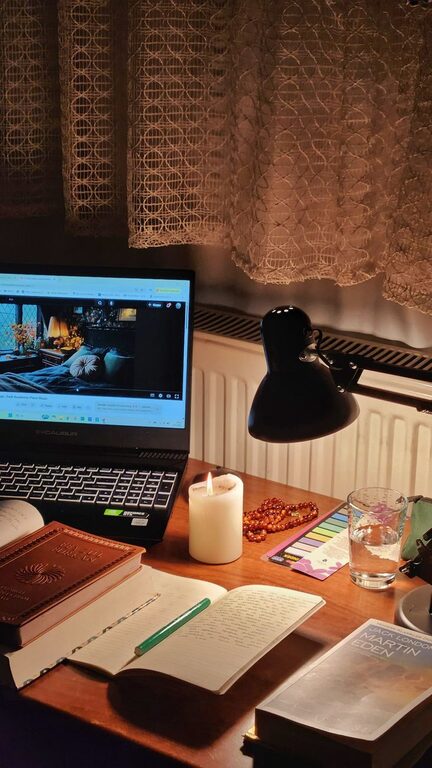
Use a combination of overhead lighting, task lighting, and ambient lights. A desk lamp with adjustable brightness helps during late work sessions.
Position your screen to avoid glare, and consider using light filters or blue light blocking screens for added eye comfort.
Use cable organizers, clips, or boxes to keep cords untangled and out of sight. This prevents a messy look and reduces tripping hazards.
Select reliable devices that meet your work requirements without overcrowding your desk. Wireless accessories can help reduce cord clutter.
Ensure your workspace is neither too hot nor too cold. A small fan or heater can help if central heating or cooling does not provide consistent comfort.
Open windows regularly or use an air purifier to keep the air fresh, which can improve concentration and wellbeing.
Set clear work times to maintain balance between professional and personal life, which helps prevent burnout.
Keep non-work related items out of sight, and communicate your work schedule to family or housemates.
– Use a Whiteboard or Corkboard: Organize ideas, deadlines, and notes visibly.
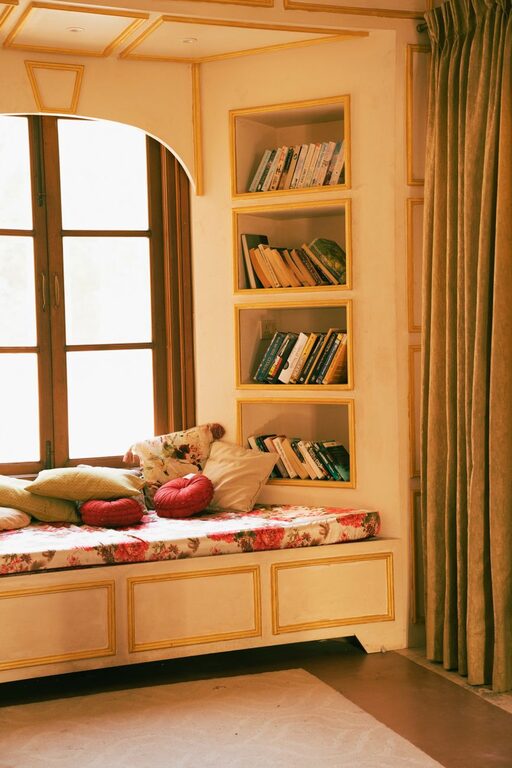
– Incorporate Break Areas: If space allows, include a small comfortable chair or corner to step away and relax during breaks.
– Keep Essential Supplies Close: Pens, notebooks, chargers—having these on hand avoids interruptions during work.
– Regularly Declutter: Spend a few minutes each day keeping your workspace tidy to maintain a productive atmosphere.
—
Creating a cozy and functional home office doesn’t require a large budget or complex design. By focusing on comfort, organization, and personalization, you can build a workspace that supports your productivity and makes working from home enjoyable. Start small, make gradual improvements, and tailor the space to your unique work style and needs.