 15 June 2026
 Share
Share
1
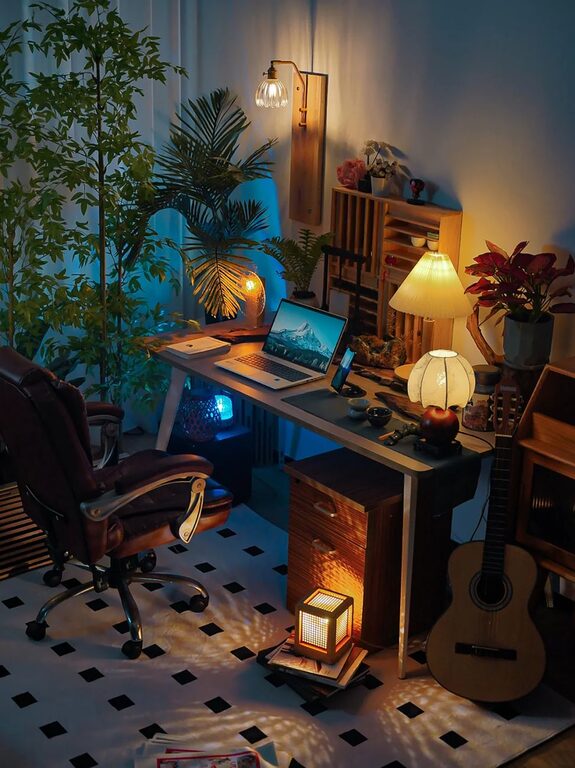
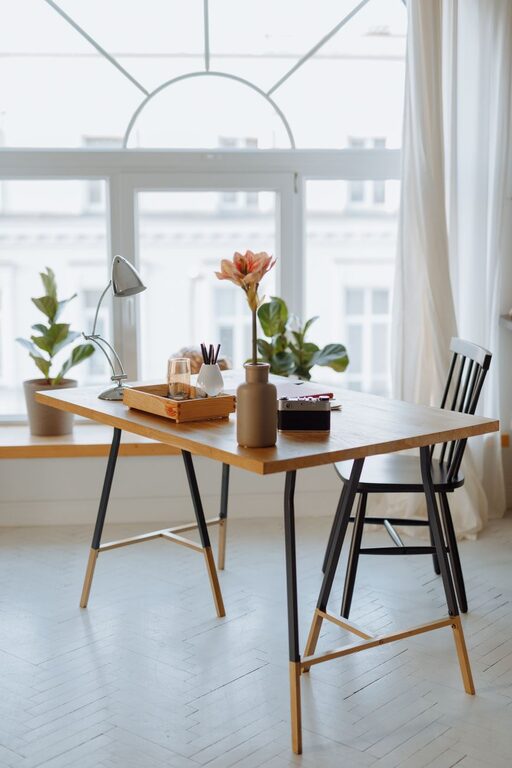
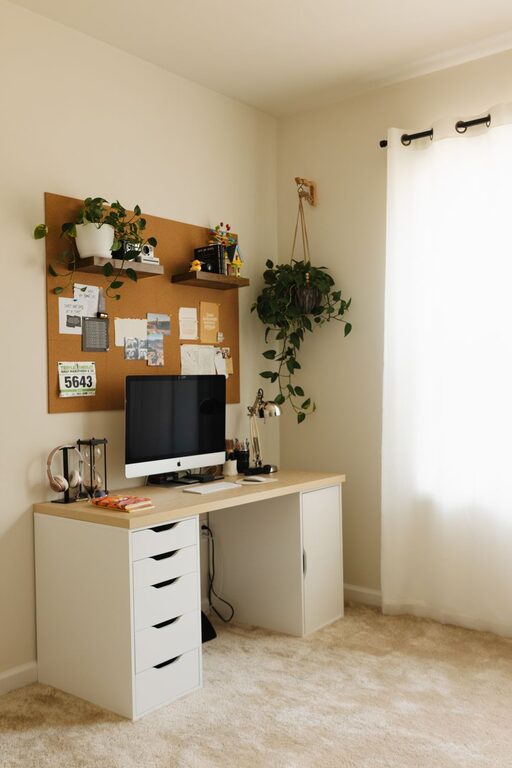
Creating a cozy and functional home workspace can significantly improve your productivity and overall well-being while working from home. Whether you have a dedicated room or a small corner, focusing on comfort and efficiency will help you stay motivated throughout the day. Here are some practical tips to design a home workspace that balances coziness with functionality.
Selecting the right spot for your workspace is the first step. Ideally, pick a quiet area away from distractions like TV or high-traffic zones. Natural light is a big plus, so try to position your desk near a window if possible. Good lighting not only reduces eye strain but also boosts mood and focus.
If privacy is important, especially during calls or focused tasks, consider using room dividers, curtains, or noise-canceling headphones. Carpets and soft furnishings can also help muffle background noise, creating a more serene environment.
Your desk and chair are the foundation of a comfortable workspace.
– Ergonomic Chair: Invest in a supportive chair that encourages good posture to avoid back pain.
– Adjustable Desk: If possible, opt for a desk with adjustable height or consider a sit-stand converter to vary your position during work.
– Adequate Desk Space: Ensure your desk is spacious enough to hold your computer, paperwork, and any other essentials without feeling cramped.
Clutter can be a major distraction, so keeping your workspace organized is essential.
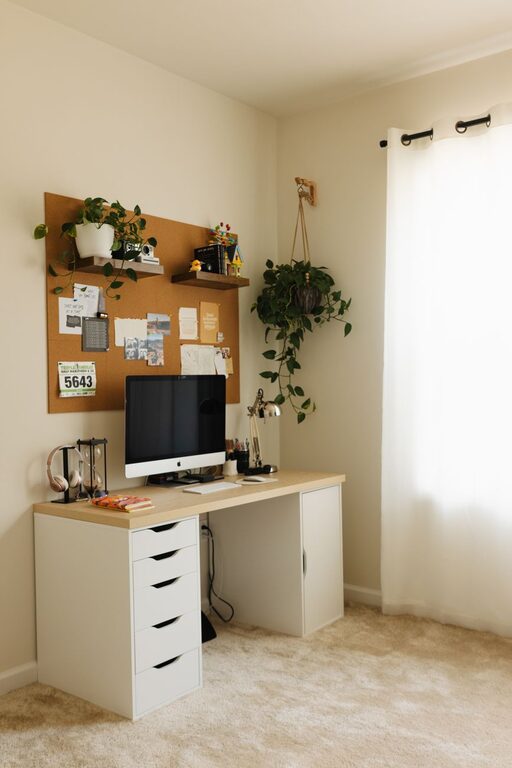
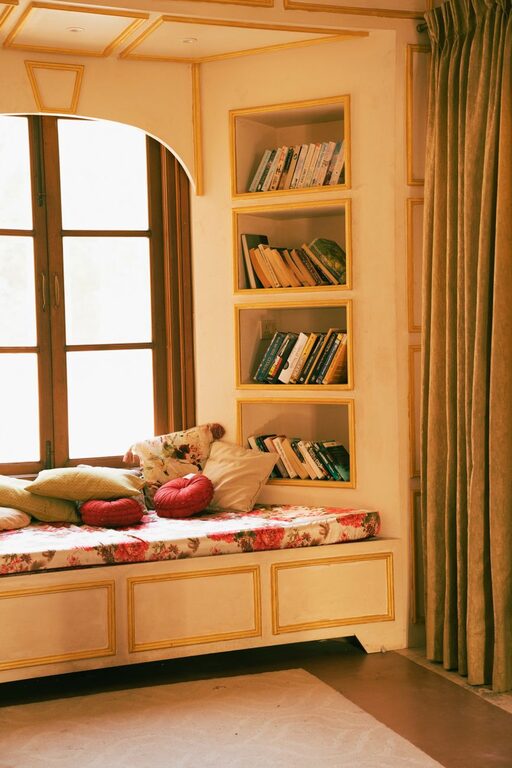
– Storage Solutions: Use shelves, drawers, or organizers to keep supplies handy but out of the way.
– Cable Management: Use clips, ties, or cable trays to keep cords tidy and prevent tangles.
– Minimalist Setup: Limit your workspace items to essentials to promote focus and avoid clutter buildup.
Adding personal touches can make your workspace feel more inviting and help stimulate creativity.
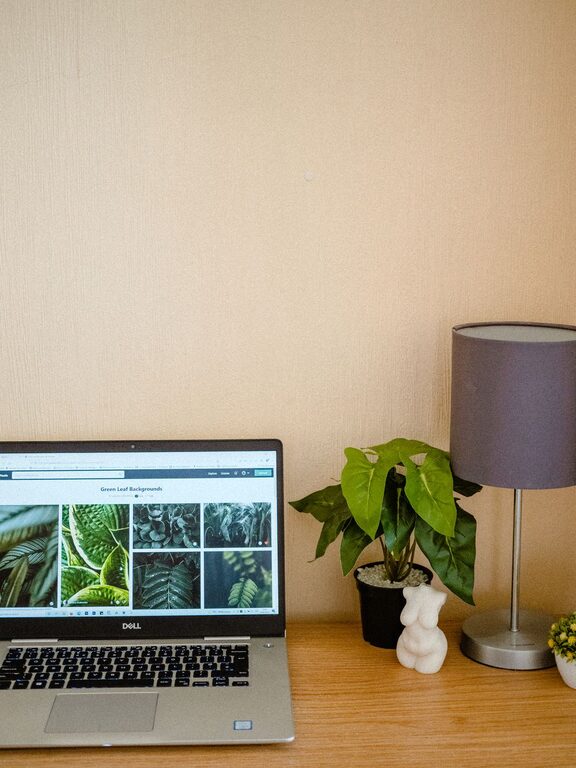
– Decor: Choose artwork, plants, or decorative objects that inspire you without overwhelming the space.
– Color Scheme: Use calming colors like soft blues or greens, or energizing shades like yellow, depending on your preference.
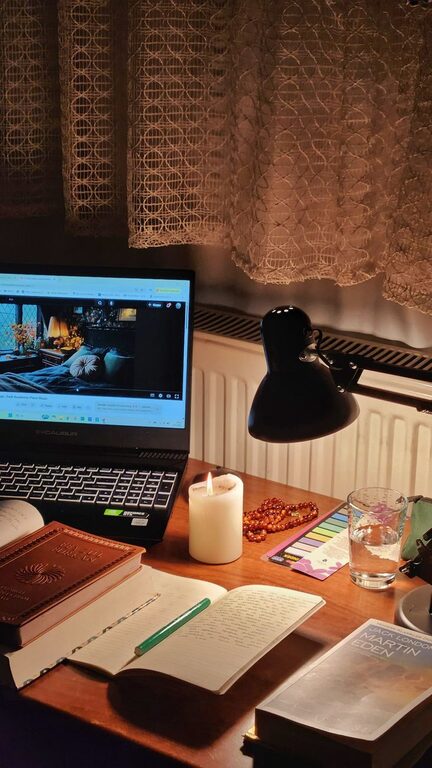
– Lighting: A desk lamp with adjustable brightness can complement natural light and add warmth.
Proper lighting reduces eye strain and keeps you alert.
– Natural Light: Maximize daylight but avoid glare on screens by adjusting blinds or curtains.
– Task Lighting: Use adjustable desk lamps to illuminate reading or writing areas.
– Ambient Lighting: Consider soft overhead lights or floor lamps for a comfortable atmosphere.
The right technology setup helps maintain workflow without frustration.
– Reliable Internet: Ensure your connection is strong to support video calls and online tasks.
– Keyboard and Mouse: Ergonomic designs can reduce strain during long sessions.
– Monitors: Using an external monitor or dual monitors can enhance productivity.
– Backup: Have a backup plan like an external drive or cloud storage for your work files.
Caring for your physical and mental health is easier with the right workspace habits.
– Air Quality: Keep your space ventilated and add plants to improve air quality.
– Breaks: Set reminders to stand, stretch, and move periodically.
– Hydration and Snacks: Keep water and healthy snacks nearby to stay energized.
Your workspace needs might change over time, so stay flexible.
– Seasonal Adjustments: Add a heater or fan depending on the weather.
– Rearrangement: Try new layouts if your workflow evolves.
– Upgrade: Replace worn-out equipment or furniture to maintain comfort.
Creating a cozy and functional home workspace is about balancing comfort, practicality, and personal style. By thoughtfully selecting your location, investing in quality furniture, keeping your space organized, and paying attention to lighting and technology, you can design an environment that supports your productivity and well-being. Remember, a workspace should not only be efficient but also a place where you feel comfortable and inspired.
Take the time to customize your area, and don’t hesitate to make adjustments as your needs evolve. With the right setup, working from home can become a more enjoyable and productive experience.